A game for your mood
Word Guess, Word Chain, Word Search, Crossword, Bee a Speller, Anagram, Cryptogram, Word Weave and Sudoku.
A little room to think.
Word puzzles and Sudoku in one app. Play a daily puzzle, pick up an old one, or send a friend the same board and see who gets there first.
Android & iOS · Available
Made for everyday use
Word Guess, Word Chain, Word Search, Crossword, Bee a Speller, Anagram, Cryptogram, Word Weave and Sudoku.
Five games publish shared daily puzzles. The archive keeps older puzzles available without restoring a missed-day streak.
Challenge a friend head to head or start a group challenge. Both players receive the same puzzle.
Play without signing in. Google or Apple sign-in is optional for synced progress, achievements and friends.
In the app
Getting started
Start as a guest and choose one of the nine games.
Play a daily puzzle or browse the archive at your own pace.
Sign in for friends, shared challenges and progress across devices.
The official site
Explore each game, download the app, or manage account deletion on the existing product site.
Visit mindglyph.app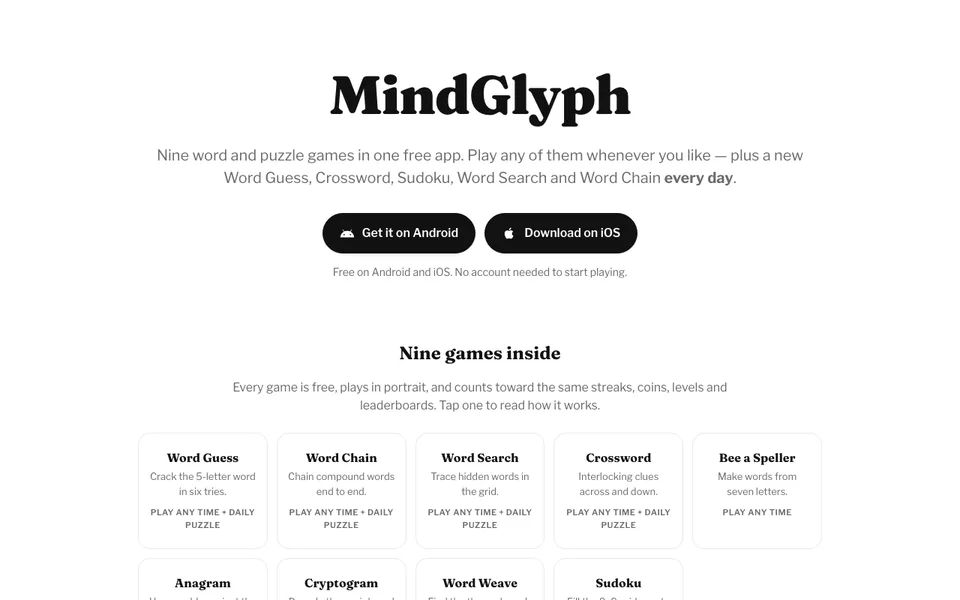
Yes. It is free to download and play on Android and iOS, with ads and no subscription.
Nine: Word Guess, Word Chain, Word Search, Crossword, Bee a Speller, Anagram, Cryptogram, Word Weave and Sudoku.
Several games work with on-device dictionaries and puzzle libraries. Daily sync, leaderboards and challenges need an internet connection.
Use Settings → Delete account in the app, or the account deletion page at mindglyph.app/delete-account.

Android & iOS · Available
From the same workbench